Cliptych
Chrome extension · free with a badge

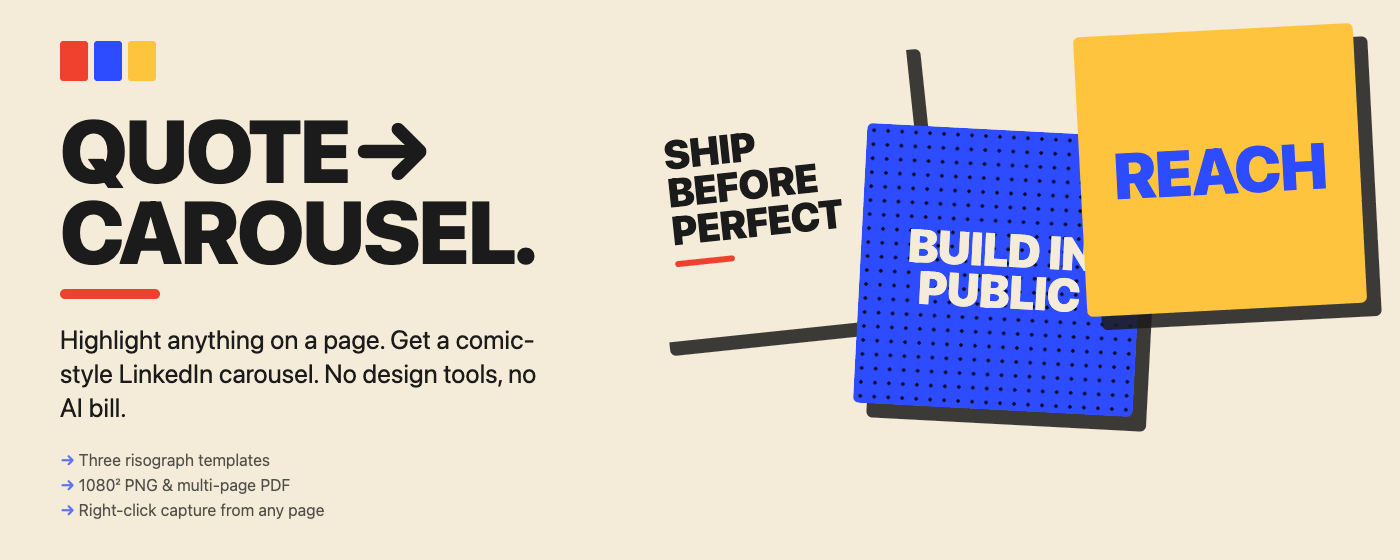
Quote carousel.

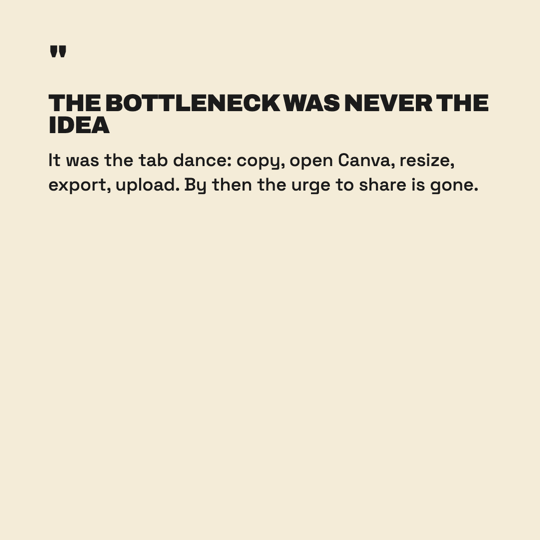
I read more interesting things than I share. The bottleneck isn't time — it's tab-switching to Canva. So I built the tool that lives in the tab I'm already in.

Made solo in Vietnam. ~459 KB zipped. No accounts. No telemetry. No AI bill.

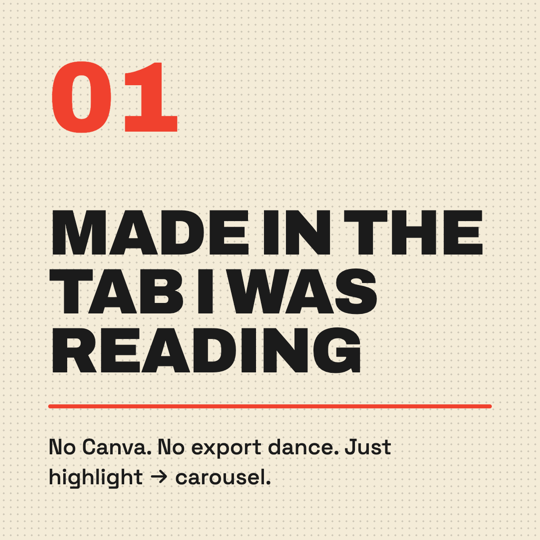
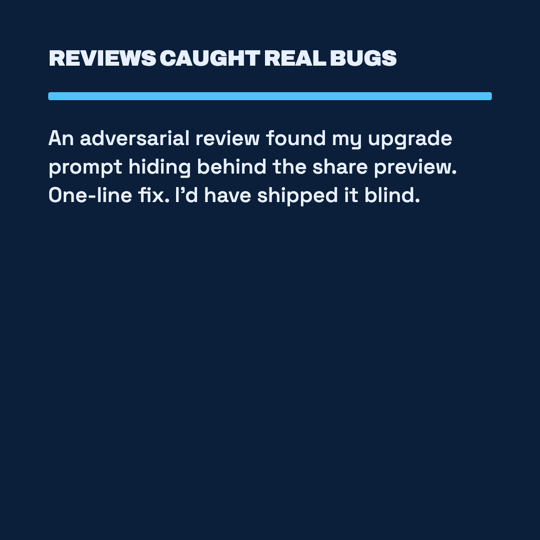
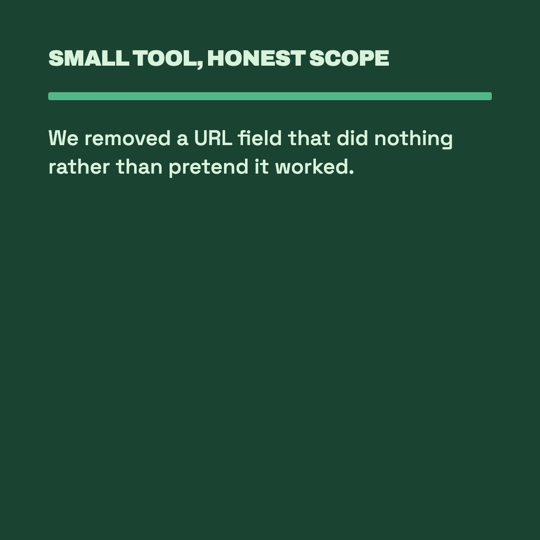
Three Cliptych panels on a cream background

Two clicks. No tab-switching.

1

Highlight

Any text on any page — an article, a tweet, a doc, an email.

2

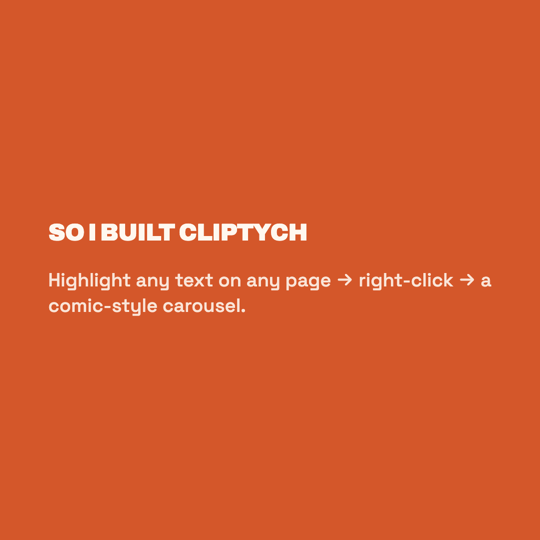
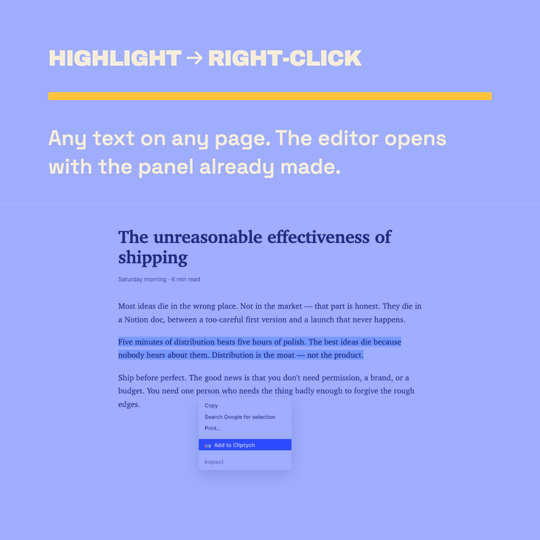
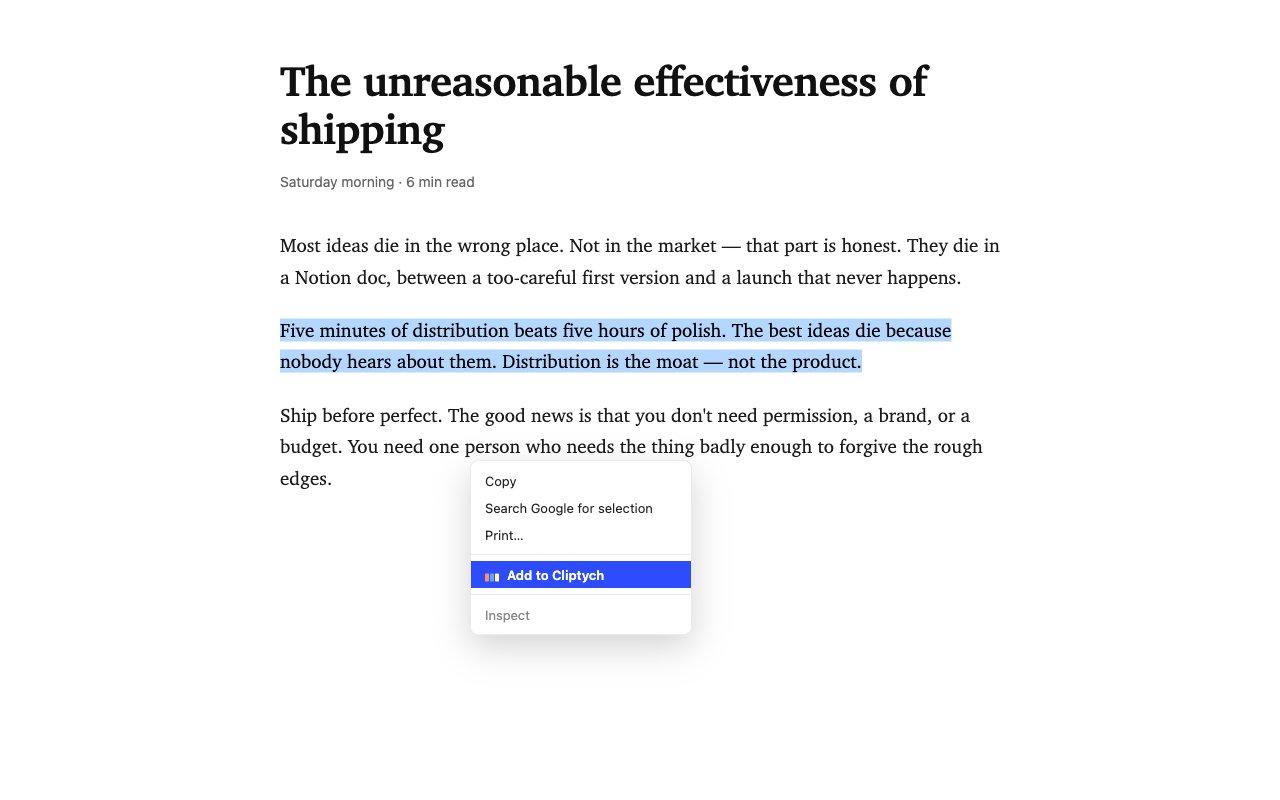
Right-click → Add to Cliptych

The editor opens in a new tab with the panel already made. The selected text is your headline.

Right-click context menu showing Add to Cliptych
3

Edit. Export.

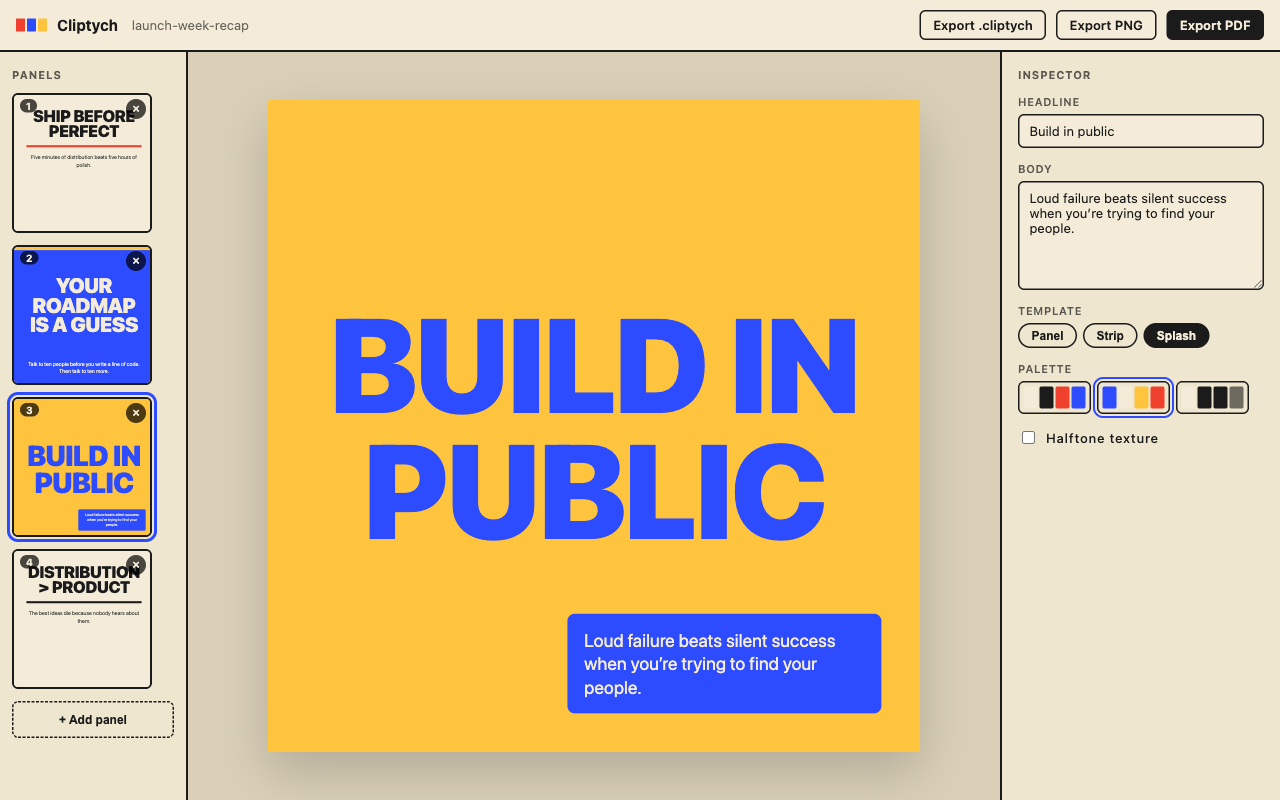
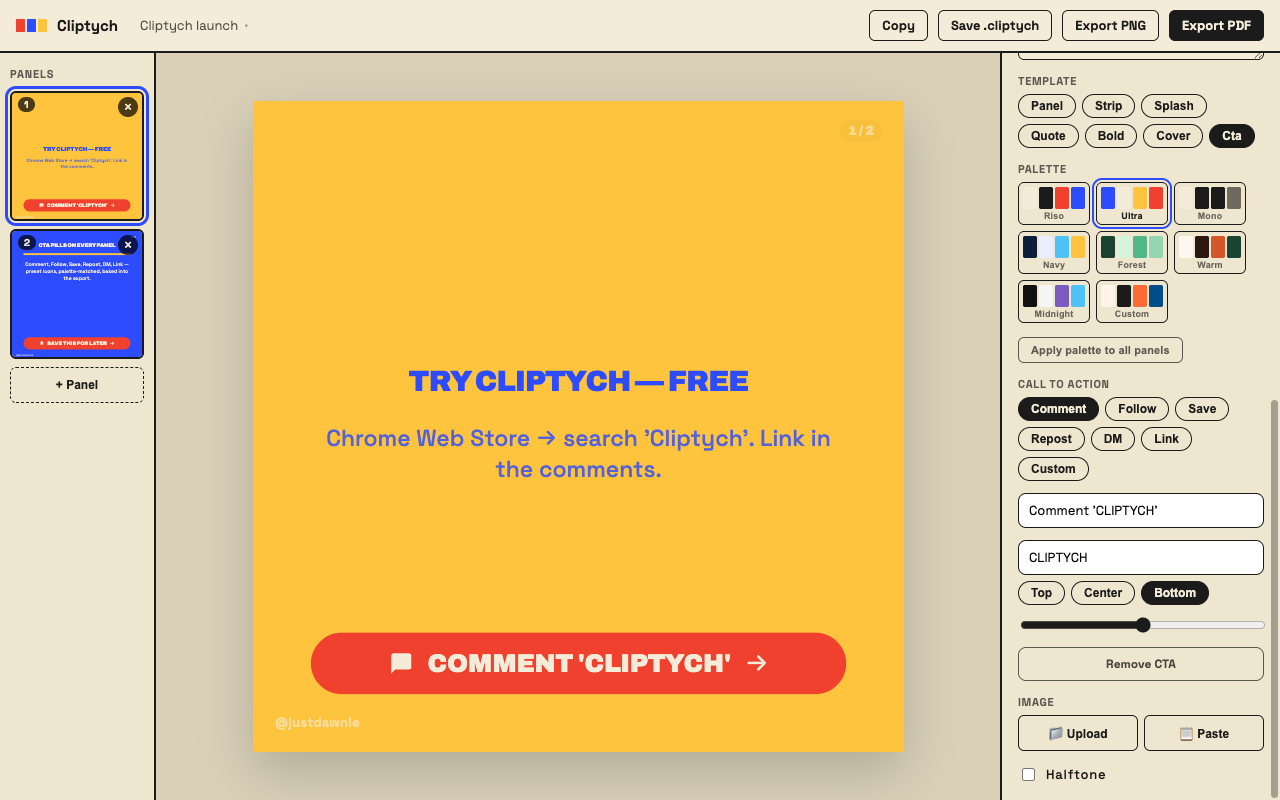
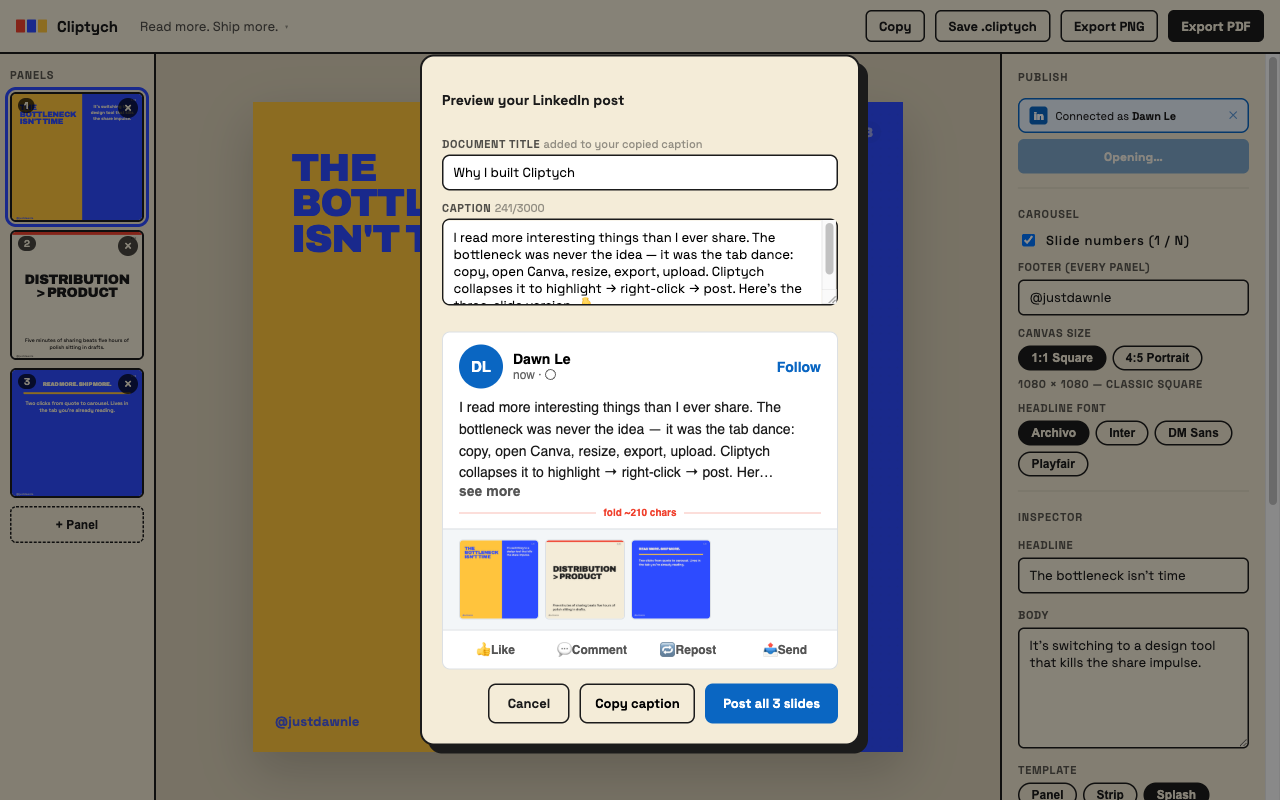
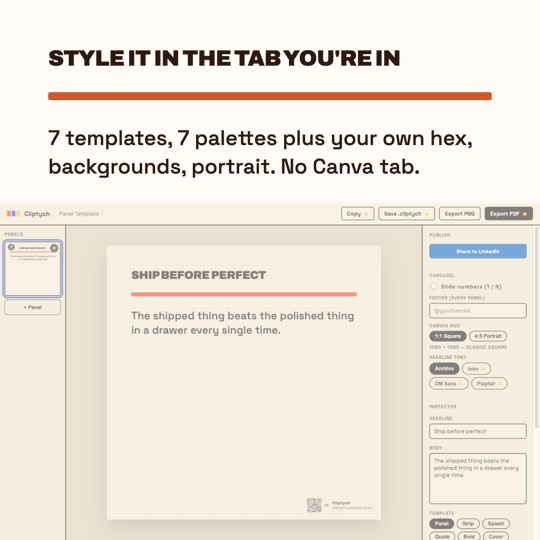
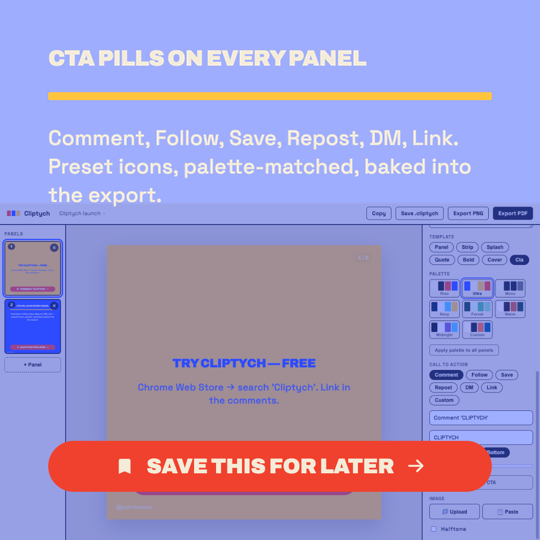
Cycle seven risograph templates, eight palettes, halftone on/off — or switch to 4:5 Portrait for the 1080 × 1350 format. Drop a background image on any panel: upload from disk or paste from clipboard, set focal point, opacity, scale, and palette tint. Type your caption in the Publish section and copy it to clipboard. Hit Export PDF. Drag it into LinkedIn. That's the whole job.

The Cliptych editor with a yellow splash panel

Why this exists

Tools should live where you already are. Canva and Figma are great, but they're destinations. You have to leave what you're reading to use them. That gap kills the share impulse for me, and I bet it does for you.

$9.99 once, not $15/month forever. Carousel-making isn't a SaaS-pricing category. It's a thing you do when you read something good. A coffee and a tip — not a subscription.

Your work belongs in your browser. No Cliptych server, no accounts, no analytics, no telemetry. Your quotes and panels live in chrome.storage.local. The only network call is to verify your license key when you upgrade.

No AI in the output. Cliptych doesn't write your headlines or rewrite your quotes. You pick the words. The tool does the layout.
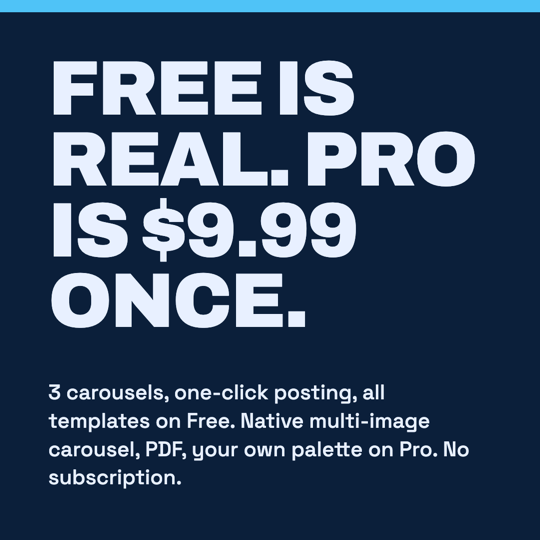
One price. Paid once.

Free

$0

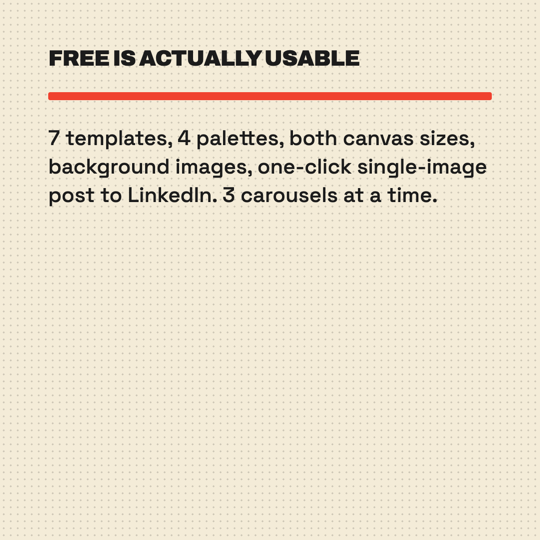
  • Up to 3 active carousels
  • All 7 templates & 8 palettes
  • Right-click capture from any page
  • Background image — upload or paste, set opacity / scale / tint
  • Auto source attribution (Medium, Substack, GitHub…)
  • Threading mode — slide numbers + footer
  • PNG export with QR watermark
  • UI in 7 languages
  • No multi-page PDF
  • No custom palette / font picker
  • No .cliptych project files
Install free
Pro

Cliptych Pro

$9.99 · paid once

  • Everything in Free
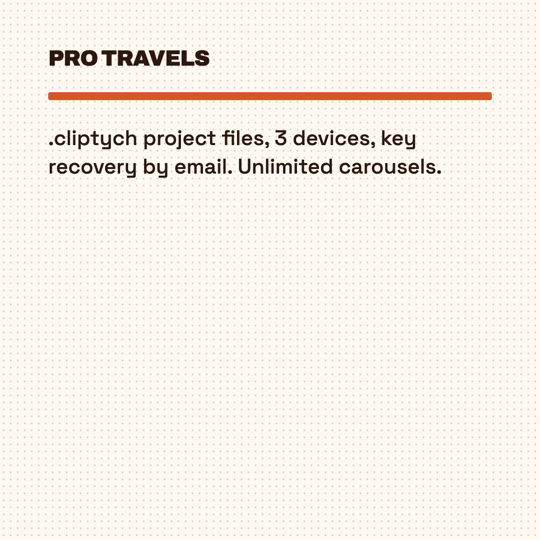
  • Unlimited carousels
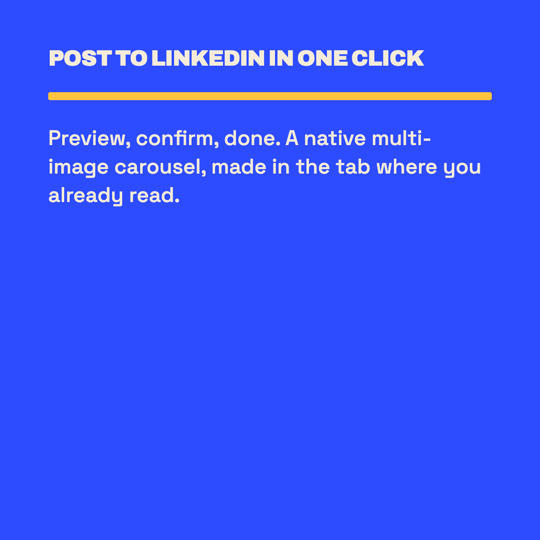
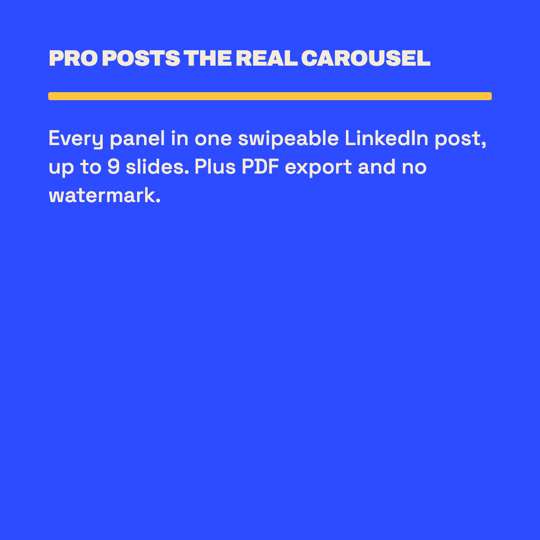
  • Multi-page PDF (what LinkedIn wants)
  • QR watermark removed
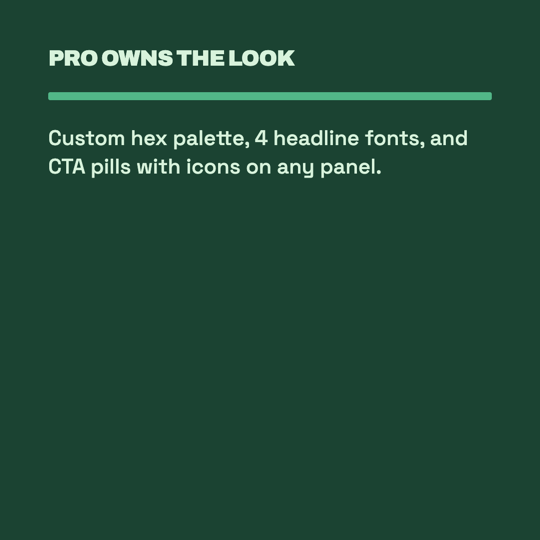
  • Custom palette (4 hex pickers per project)
  • Headline font picker (Archivo, Inter, DM Sans, Playfair)
  • Snapshot to clipboard (Cmd+Shift+C)
  • .cliptych files — back up & move devices
  • Every future feature, paid once
Get Pro — $9.99

Checkout via Lemon Squeezy (because Stripe doesn't accept Vietnamese founders). Tax handled. License key arrives in seconds. 14 days to refund, no questions.

Changelog

v1.1 in review

Background image · Portrait mode · Publish section · Apply palette to all

  • Background image — upload from disk or paste from clipboard onto any panel; set focal point, opacity %, scale %, and palette tint overlay for text readability
  • 4:5 Portrait canvas (1080 × 1350) — square and portrait in the same project, switch with one click
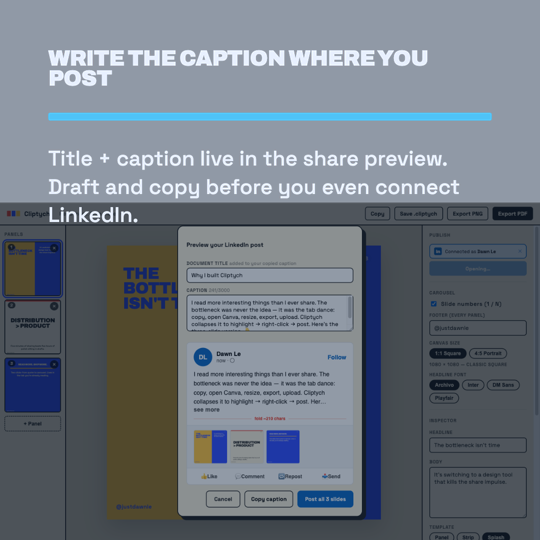
  • Publish section — document title, auto-filled caption, one-click copy to clipboard
  • Apply palette to all panels at once
  • Headline overflow fixed on strip and bold templates; text now always renders above background images
v1.0.3

New templates · New palettes · Reorder · Auto-split

  • 3 new templates: Quote, Bold, Cover — now 7 total
  • 4 new palettes: Navy, Forest, Warm, Midnight — now 8 total
  • Drag panels to reorder within a carousel
  • Auto-split — long body text splits into a new panel at the nearest sentence break
  • DM Sans and Playfair Display added to the font picker — now 4 typefaces (Pro)
  • Bug fixes
v1.0.2

Custom palette · Font picker · Snapshot

  • Custom palette — 4 hex color pickers (bg / ink / accent / pop) per project (Pro)
  • Font picker — Archivo or Inter, both with Vietnamese support (Pro)
  • Snapshot to clipboard — Cmd/Ctrl+Shift+C copies the current panel as a PNG (Pro)
  • Vietnamese typeface — headlines now render correctly in the bundled fonts
  • Body text auto-shrink — long body no longer clips at the panel boundary
v1.0

Initial release

  • Right-click capture from any page — selected text becomes the headline, source auto-attributed
  • Panel, Strip, Splash templates · 3 palettes · halftone toggle
  • PNG export with QR watermark · PDF export (Pro) · watermark removal (Pro)
  • Threading mode — slide numbers and footer text on every panel
  • Native UI in 7 languages

Get it

Cliptych is live on the Chrome Web Store. Free install, no account.

Add to Chrome → Cliptych - Highlight a quote on any page → get a LinkedIn carousel | Product Hunt

Want a heads-up on what comes next? Email me.